Kirby 6
Version 6 of my favourite CMS is finally here, and it’s fantastic! This release has so many great features I’ve wanted for the longest time ❶.
Above all, I think the simpler blueprints make Kirby a lot more approachable to new people. I’ve helped people getting started with Kirby development before, and the fields vs. sections topic was always a big hurdle. Same with the improved error handling, it really is a game changer when building sites with Kirby. The Panel is also noticably faster now. While I didn’t notice a big change in the frontend (how can it be faster?), big sites with lots of pages load a lot quicker in the backend.
Go look at the release page on getkirby.com if you’re interested in the details.
Updating my plugins
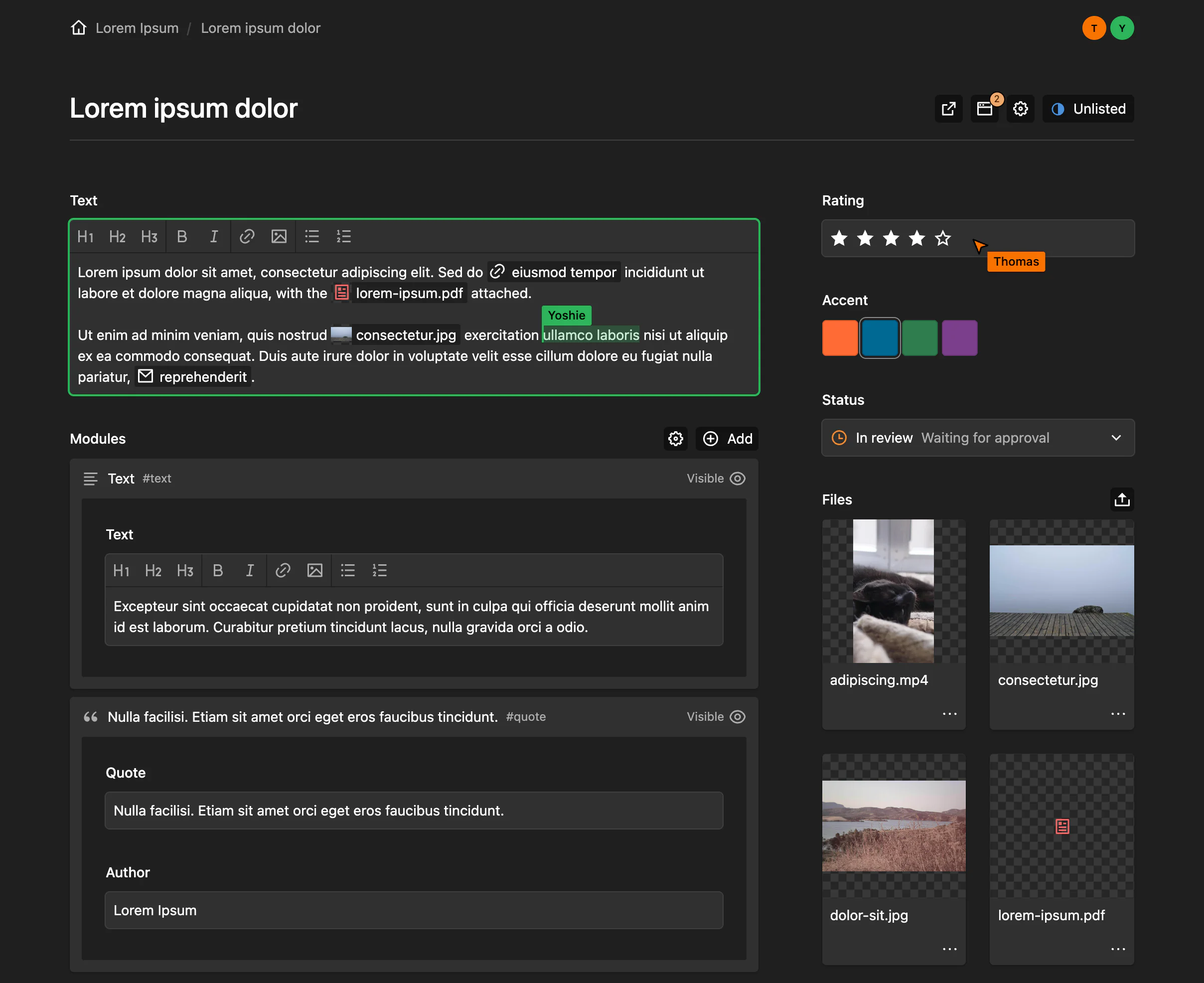
In this short ❷ article I want to show off some of the plugins I’ve updated for compatibility, and a few new ones:
- Tiptap
- Modules
- Editoria11y
- Alter
- Help View
- Plausibly
- Token Field
- Change UUID
- Base Select (new)
- Stars Field (new)
- Video Focus (new)
- Multiplayer (coming soon™)
Tiptap
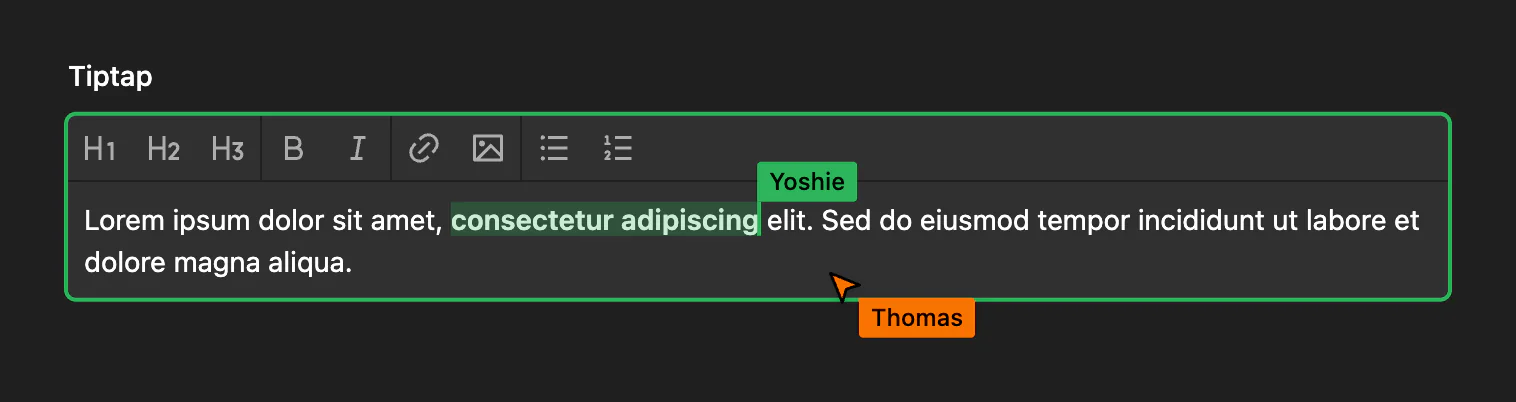
Nils (of hana+nils) and I talked a lot after the Kirby Konf. One of many topics was my Tiptap field. Nils is a super creative design engineer and sent me lots of ideas and prototypes. With that I really think we landed on an enormous step forward for the plugin.
KirbyTags
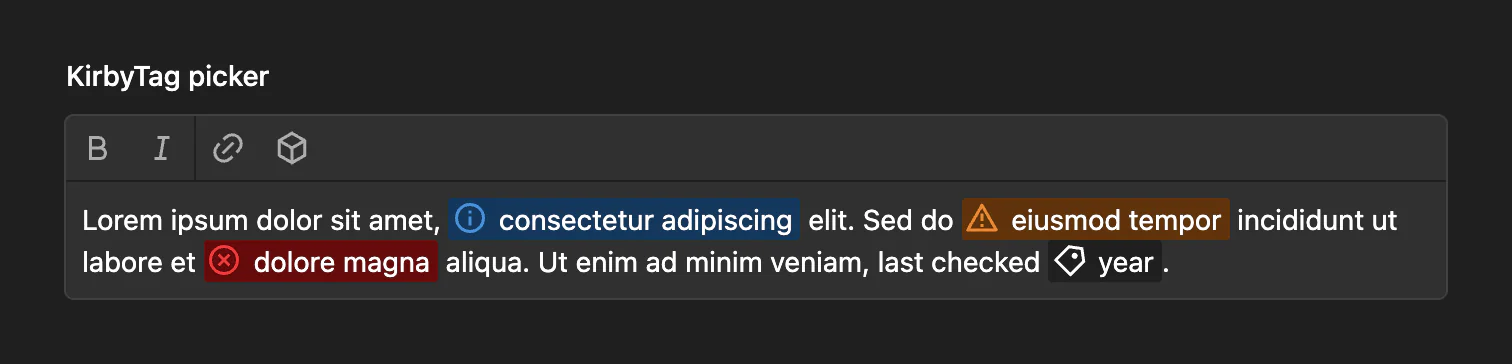
I love KirbyTags, but they’re not the most approachable syntax for everyone, (image: file://5z2zh2xy539uf8g9 text: especially in combination with UUIDs). The field can now show KirbyTags as pills and does so by default:
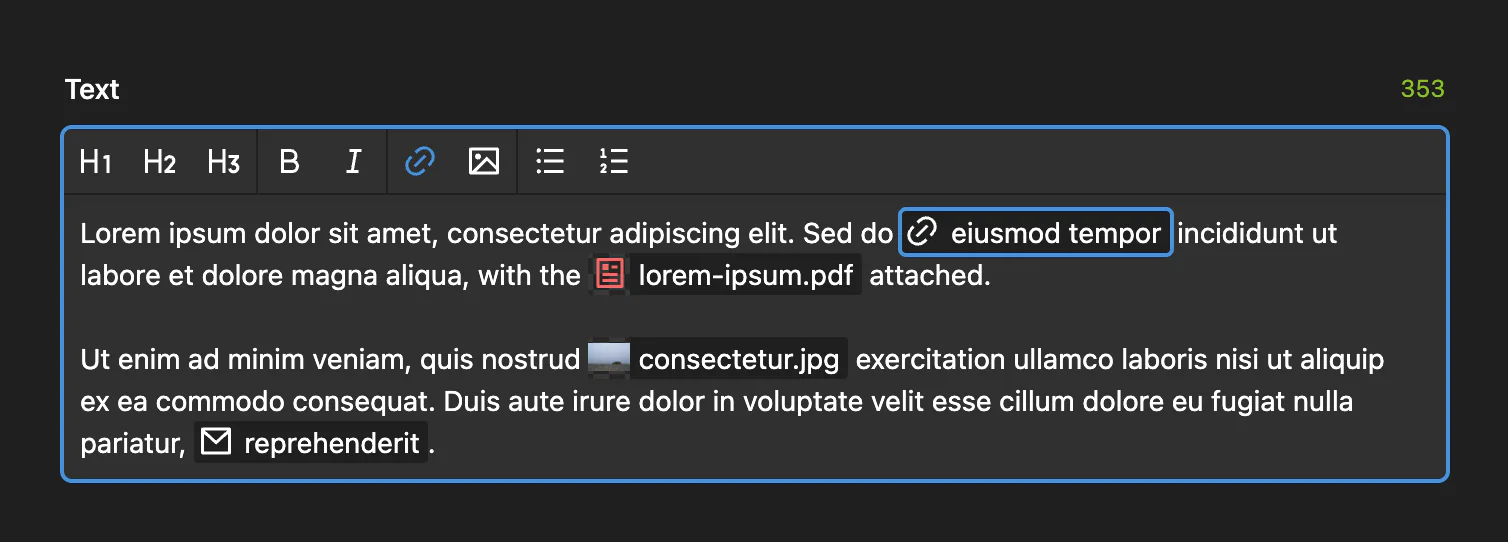
Clicking on a pill still opens the dialog that you can extend with any field you want, like a button style, link target, caption, or whatever fits your project.
Markdown
The field now stores Markdown by default. You can still use JSON but I’ve spent most of my time during the 14 release candidates making sure we don’t lose anything by using a much more readable format.
Extensions
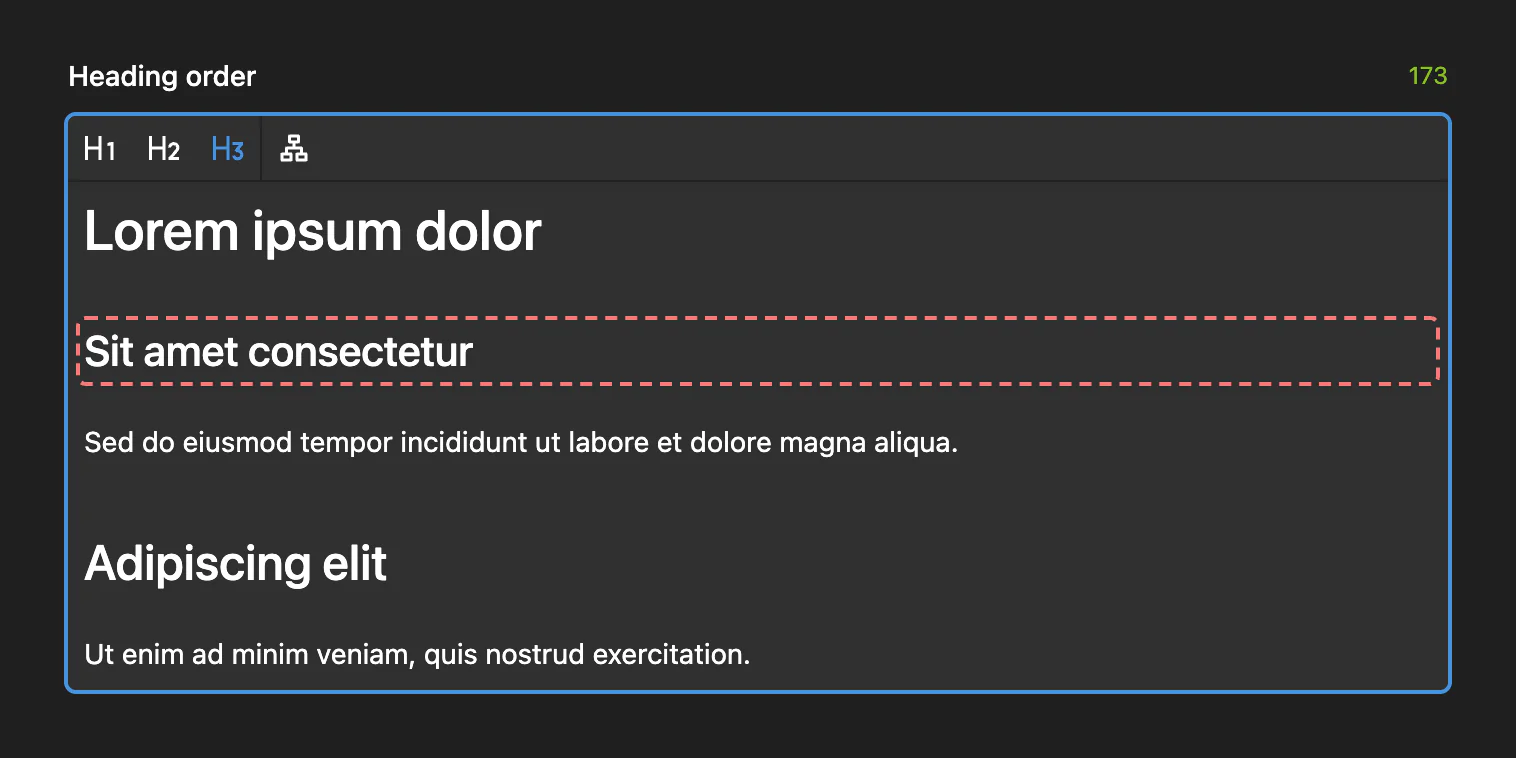
Extensions can basically replace or extend any part of the plugin. There are some examples in the repository like…
Outlining headings that skip a level:
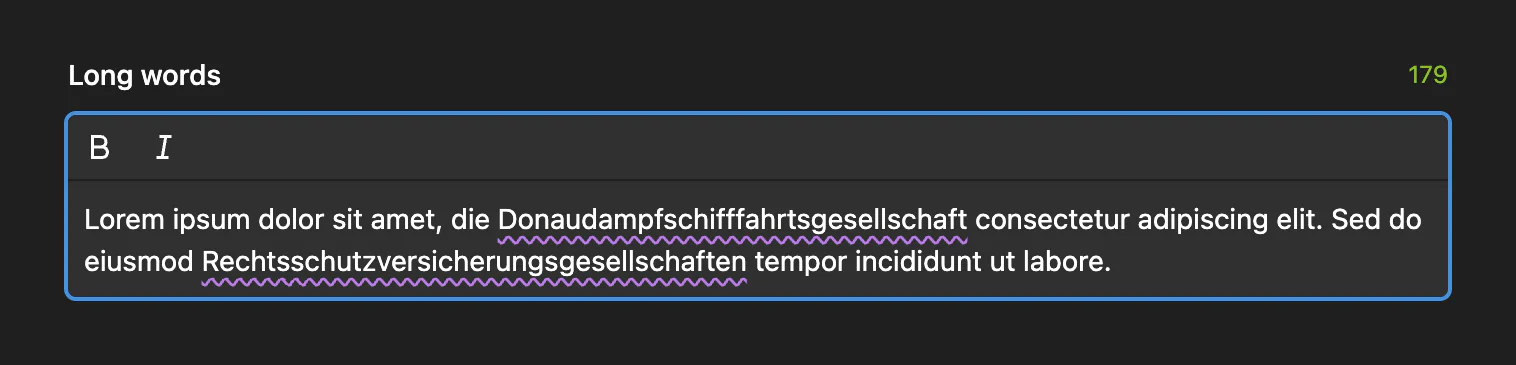
Underlining long German compound words:
Using custom pills for custom KirbyTags:
Modules
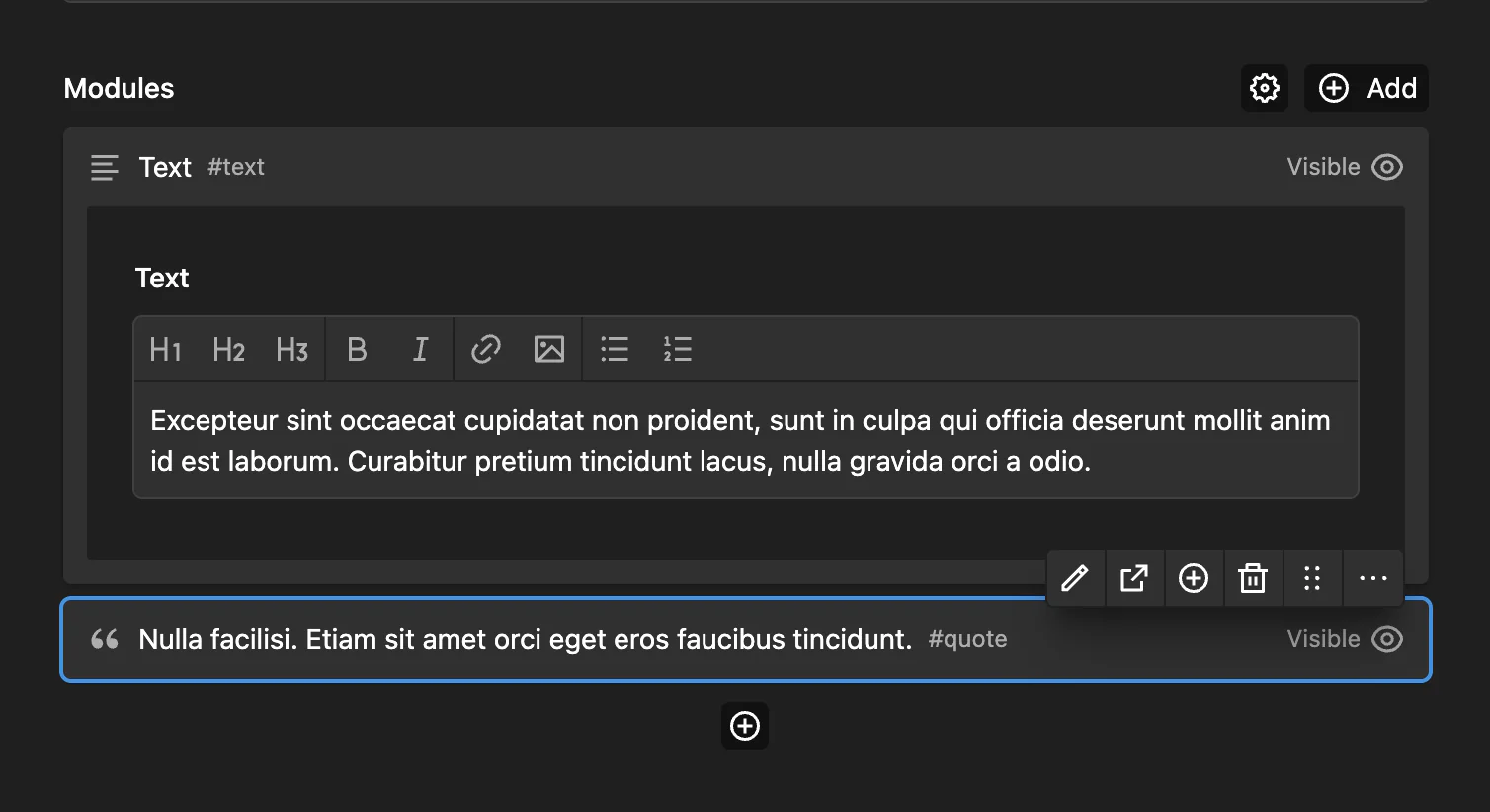
Just like the core sections, Modules has become a field in Kirby 6:
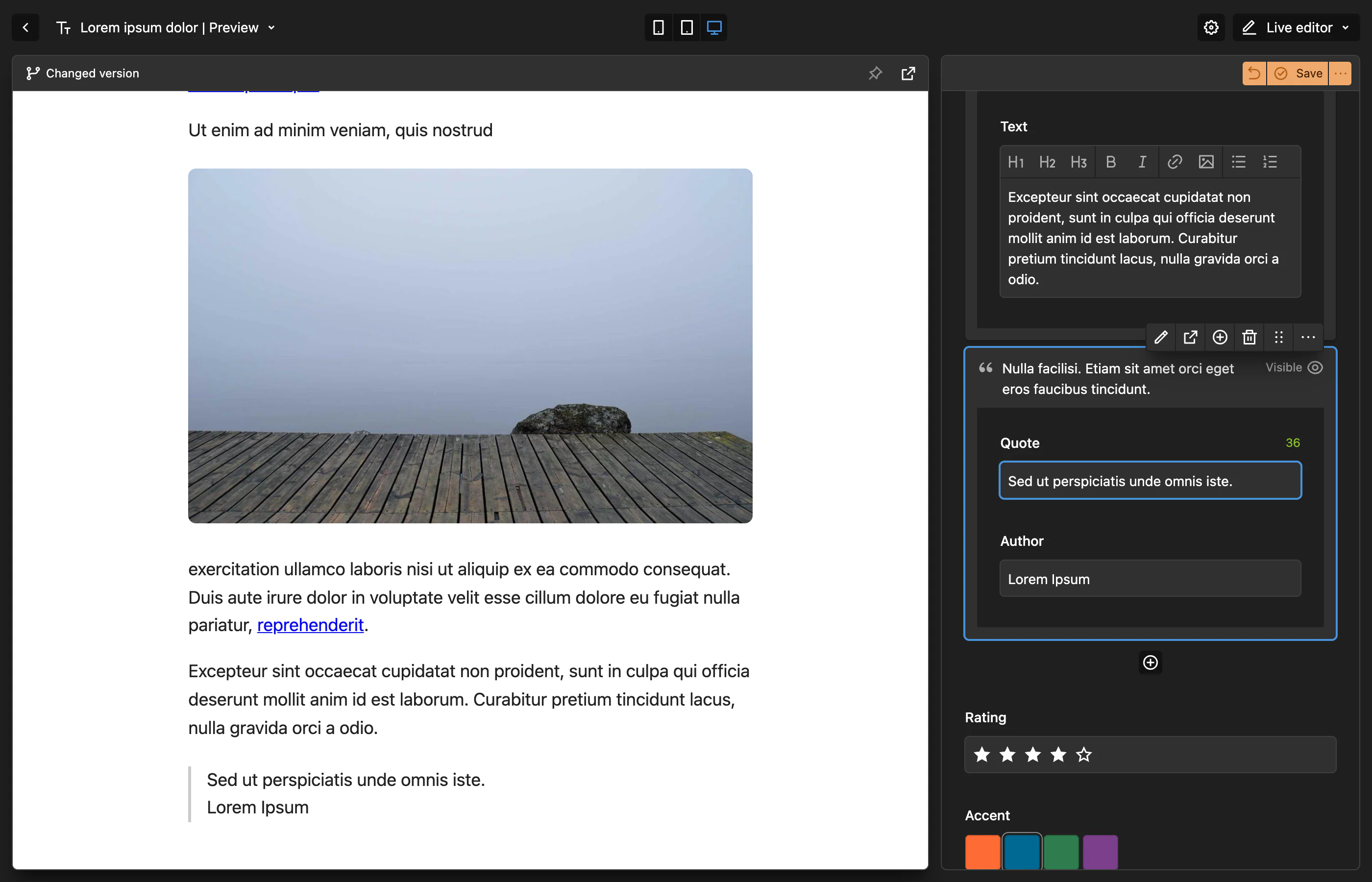
With Kirby 6’s new live editor, editing modules has become a much more visual affair, with the actual site and the Panel side-by-side:
Editoria11y
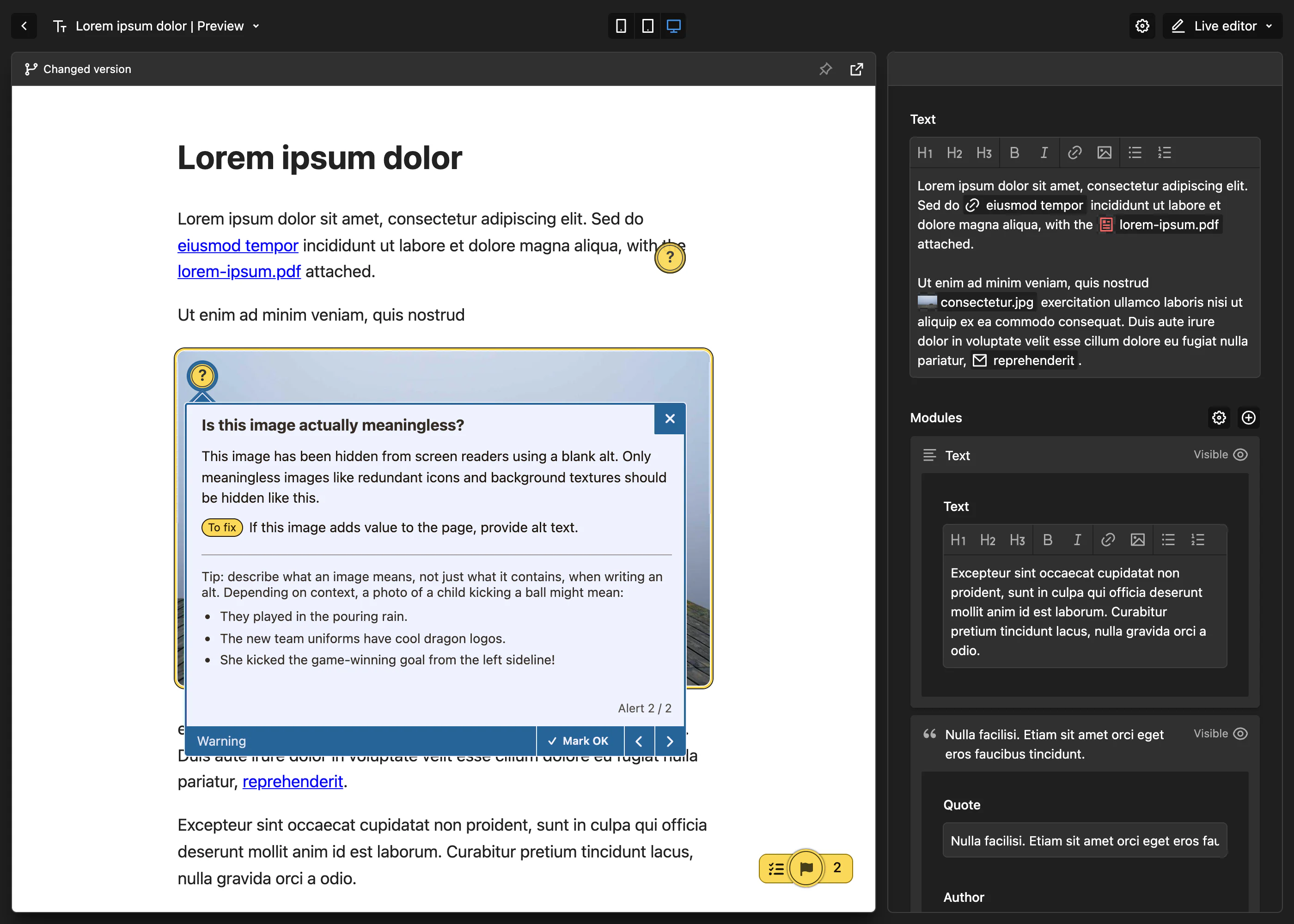
Similarly to Modules, the Editoria11y plugin greatly benefits from live editing, showing you all the accessibility issues directly where you’re working:
Alter
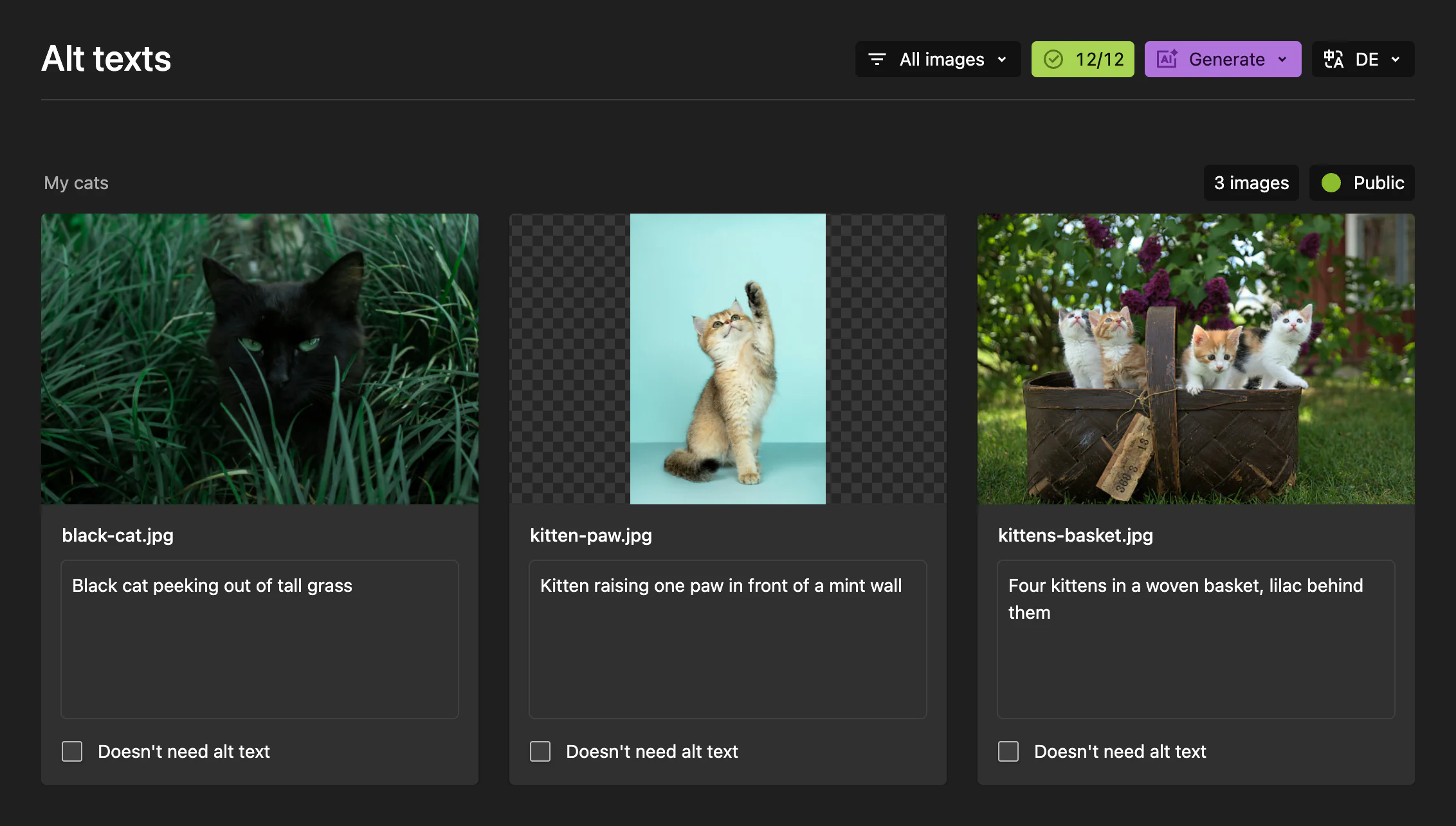
My plugin for viewing, editing and generating alt texts in the Panel also needed some attention. The view now works in Kirby 6 and, just as before, shows you all the images and their alt text across your site:
Alter recently got the ability to use different large language models, including local ones. I’ve yet to find a good local model that doesn’t produce utter shit so please let me know what I’m doing wrong.
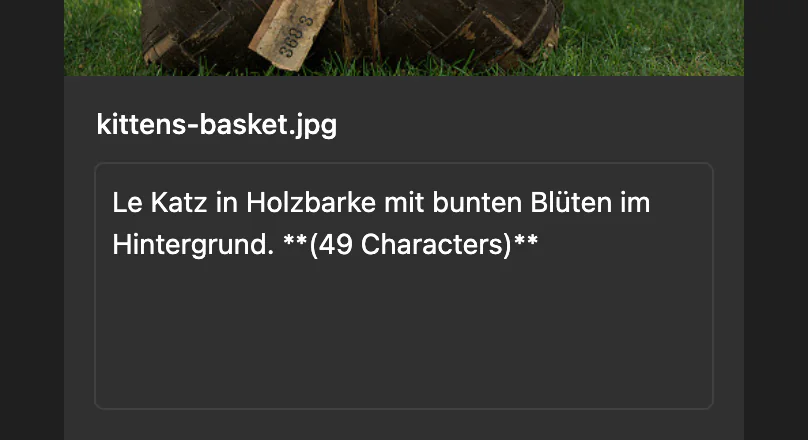
I mean, come on, Le Katz?
Help View
While I’m honestly still struggling how to write good help articles for clients, my Help View plugin is now Kirby 6 ready, too.
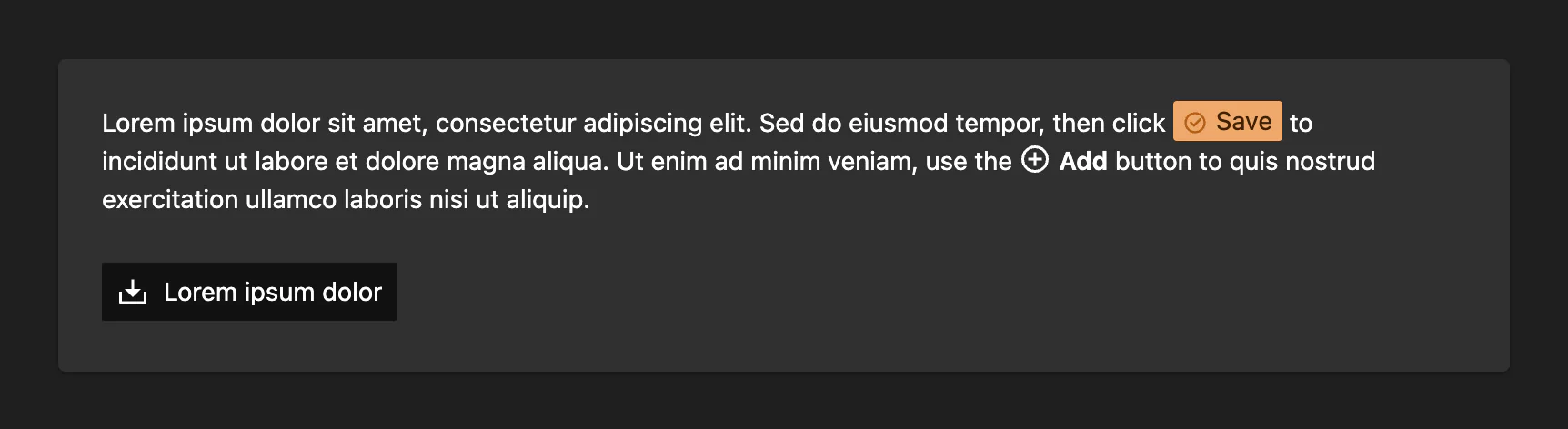
It also got some improvements regarding buttons and the dark theme:
Plausibly
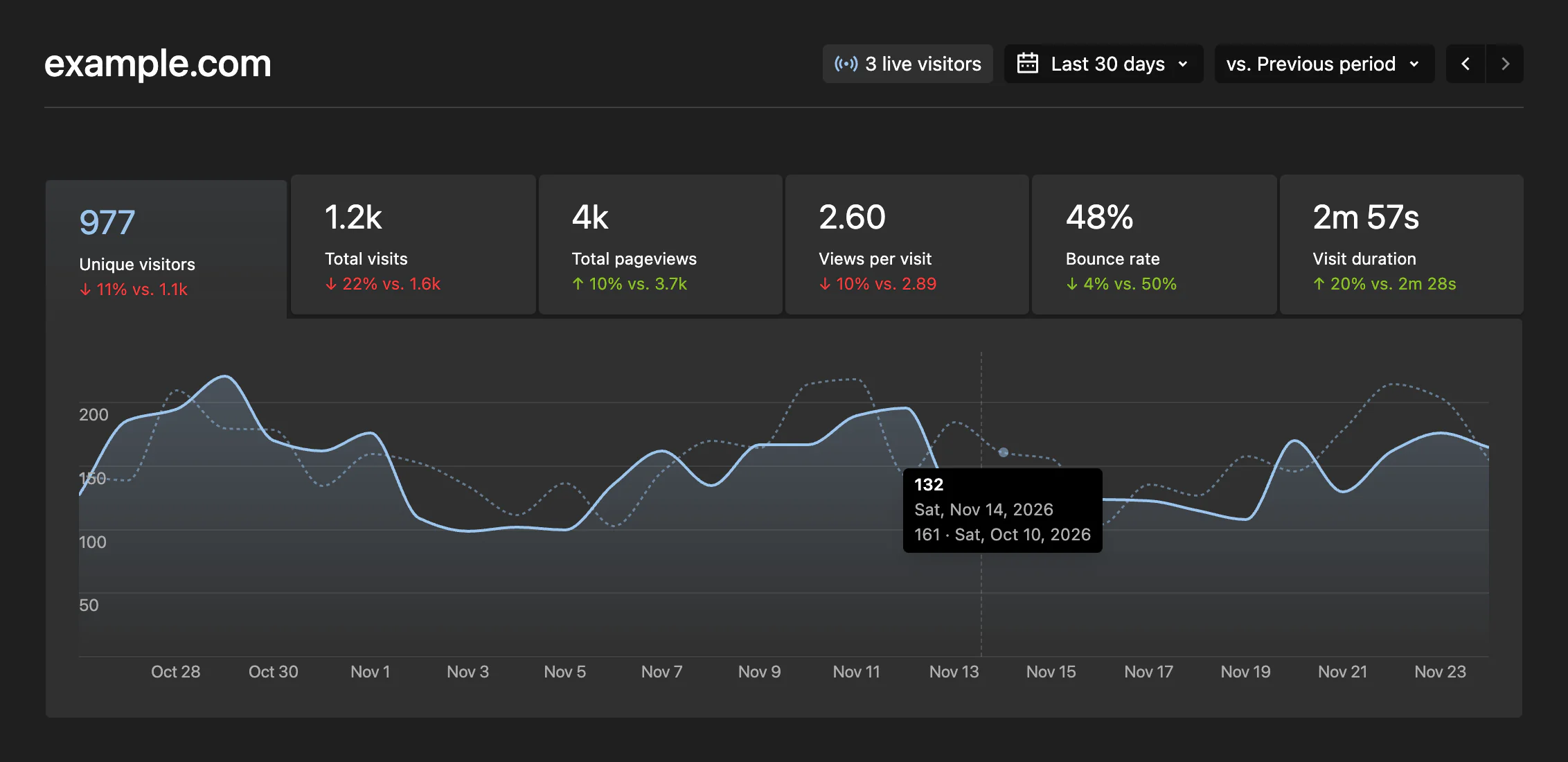
My native view for Plausible analytics had to be rebuilt for Kirby 6. It also features a neat period comparison view now:
Token Field
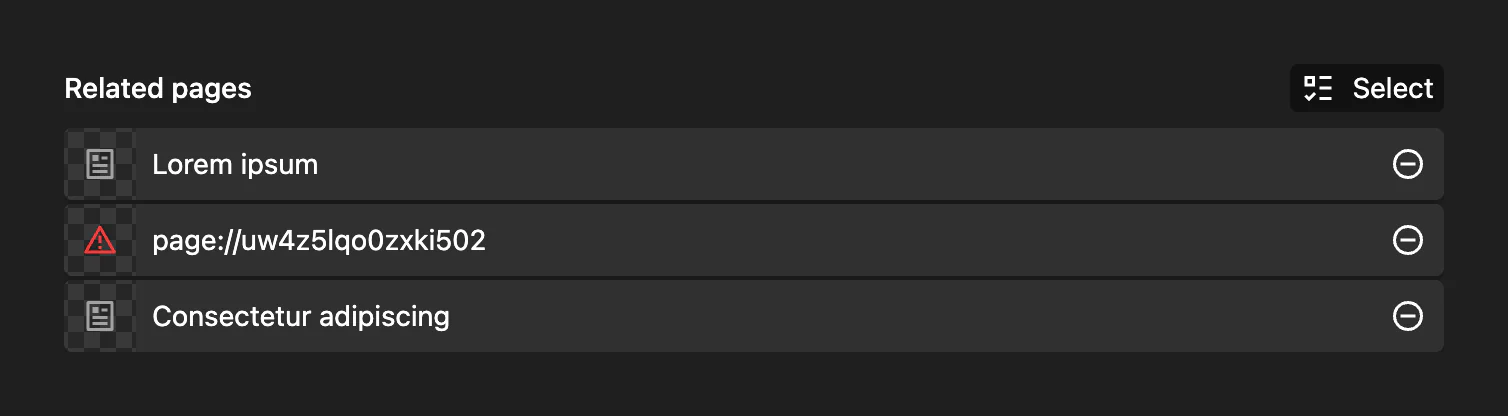
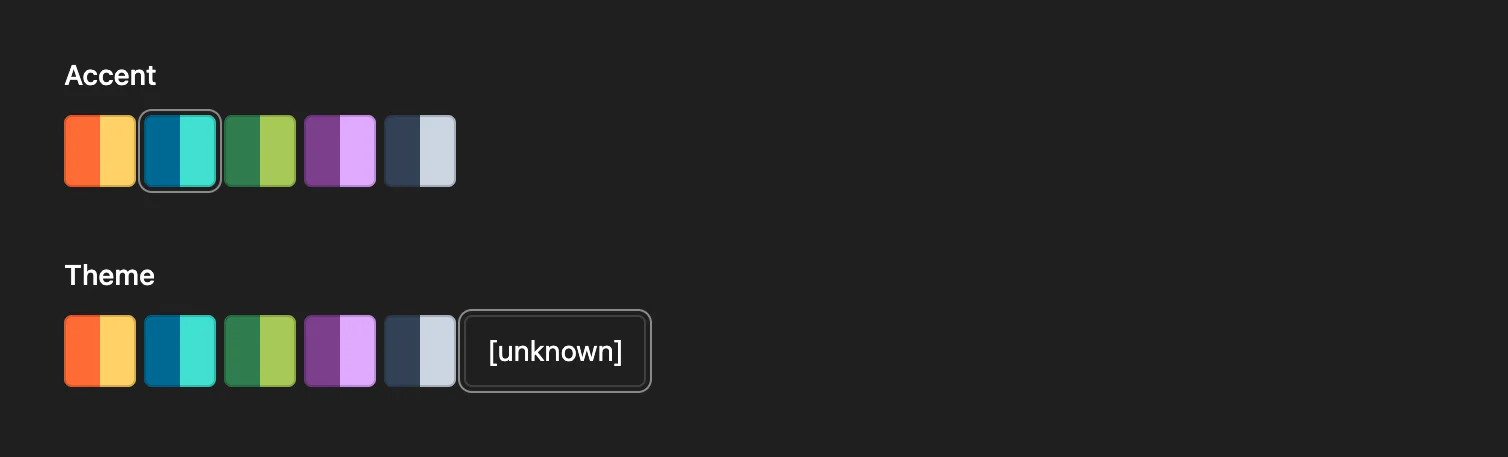
The Token field now does what core fields do with stale values. It’s one of my favourite new features in Kirby 6. Say you choose a page in a pages pagepicker field and someone deletes that page. Previously you would simply see an empty field, now you see something is wrong:
Change UUID
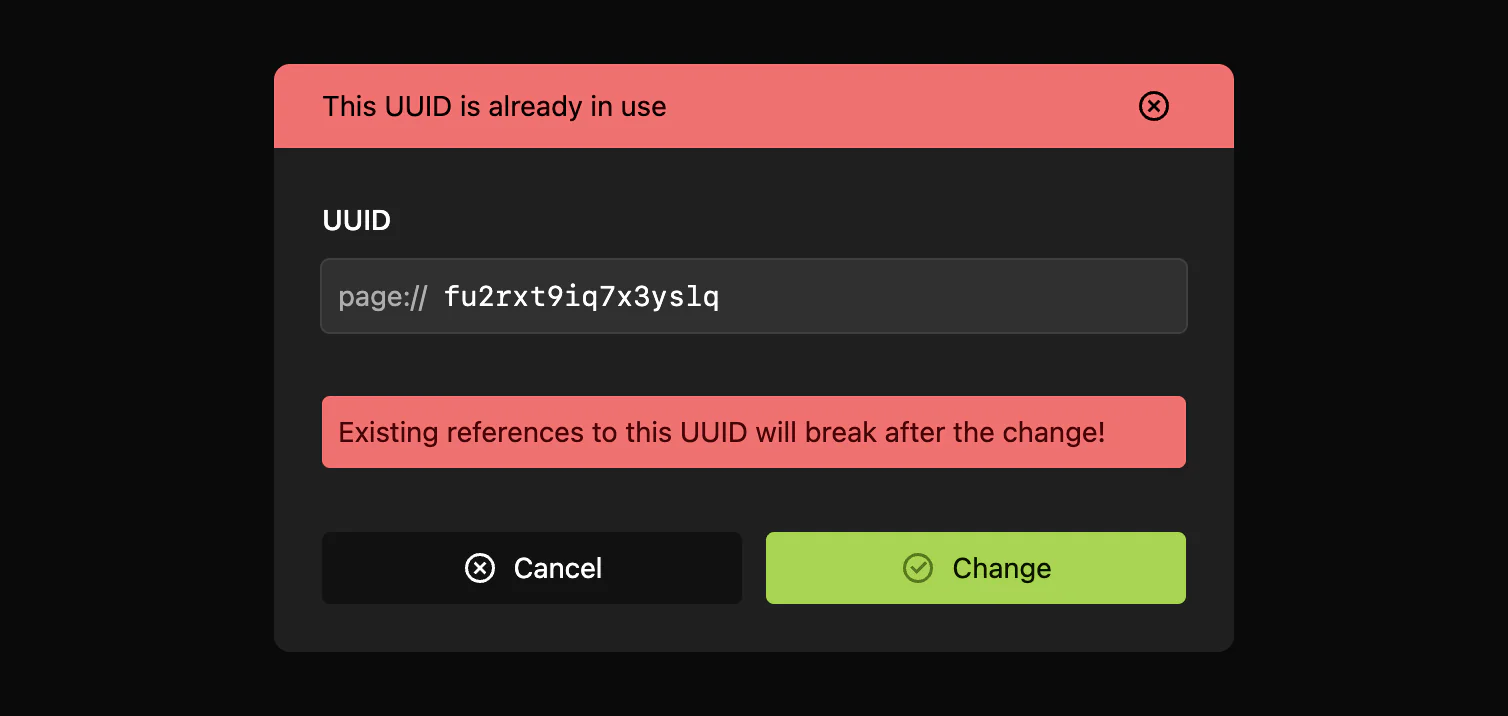
With the new “KirbyTags as pills” feature in Tiptap, this plugin lost its raison d’etre for me. It can still be useful in some projects, so I made sure it works with Kirby 6. It now also refuses duplicate/wrong UUIDs:
Base Select
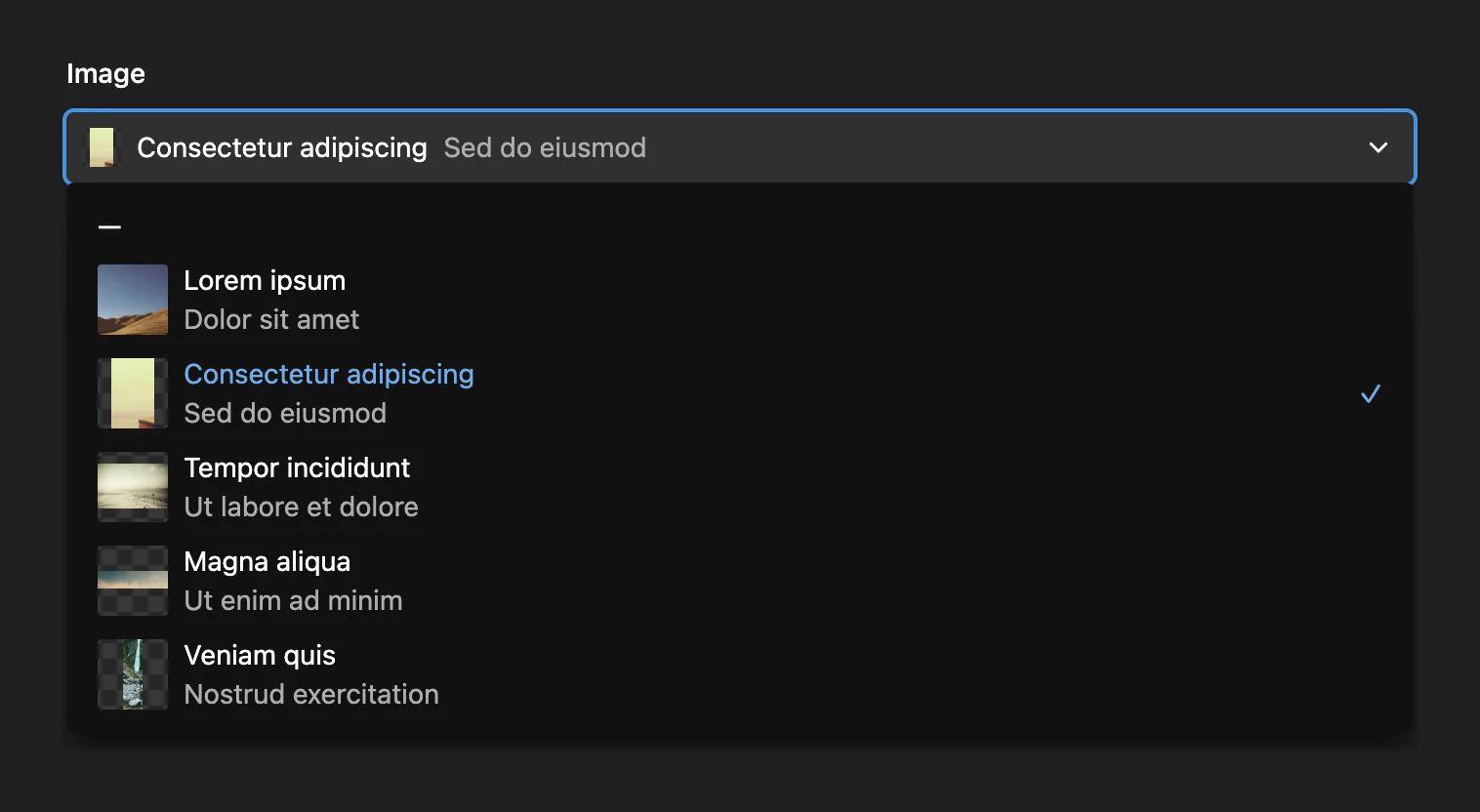
While browser support is not great yet, I am very excited about appearance: base-select coming to browsers. This new plugin makes use of it and allows you to put all kinds of stuff into select options: icons, images, info texts, fonts, whatever:
Stars Field
Not much to say about this field. I needed it for a client project:

Video Focus
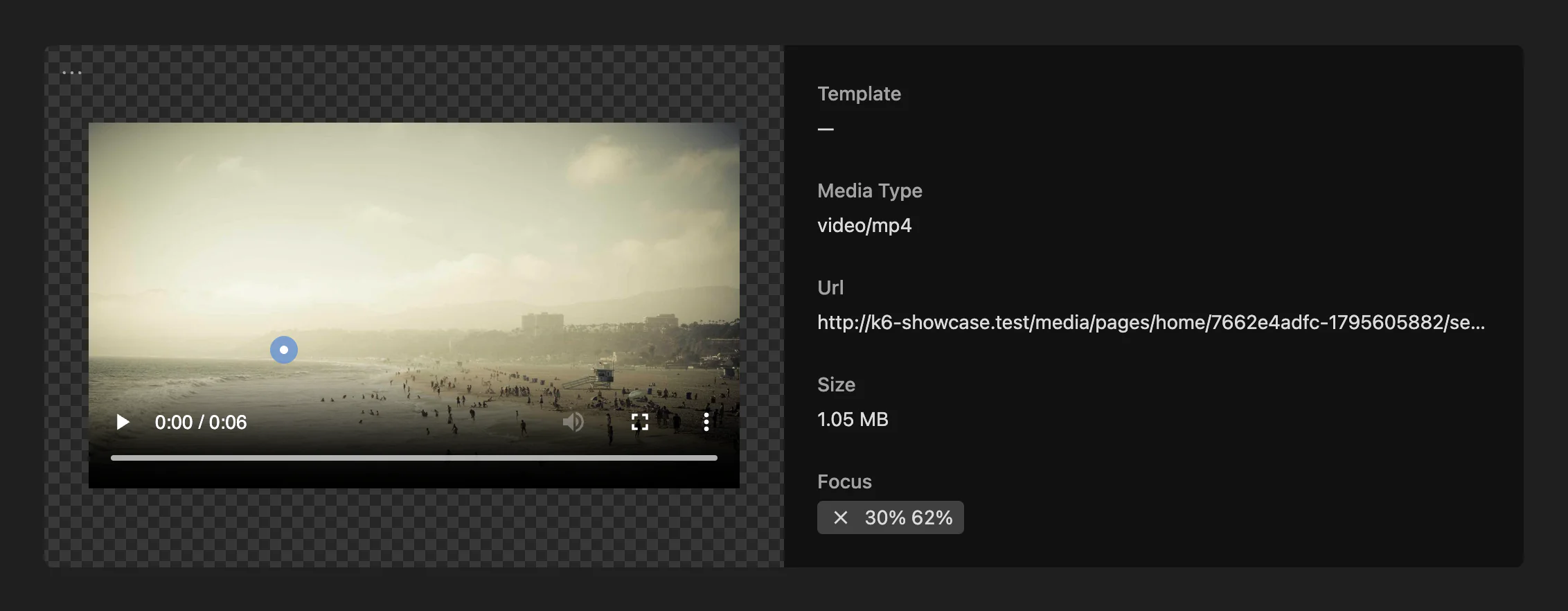
Lately I’m using a lot of videos in projects and I missed having the ability to define focus points like for images. That’s what this plugin does:
Multiplayer
This one is not public yet, but I’m very excited after using it for the first Panel handover with a (very impressed) client: